
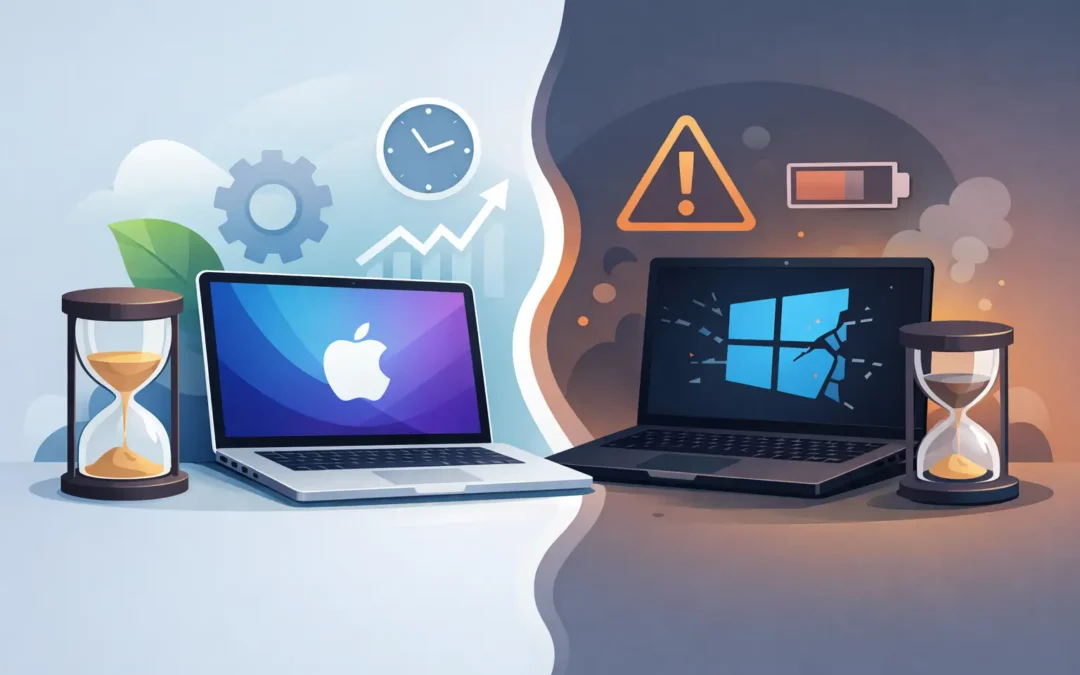
A customer brings in a 7-year-old MacBook that still starts up, holds a decent workflow, and only now needs a battery. Then a Windows laptop of the same age comes in with a failing hinge, a swollen battery, and performance issues that make basic tasks frustrating. That comparison is a big reason people ask, why do Macs last longer than PCs?
The short answer is that many Macs are built with tighter control over hardware and software, and that usually leads to better long-term stability. But the full answer is more nuanced than brand loyalty or internet debates. Some PCs absolutely last a long time, and some Macs fail early. Lifespan depends on design, build quality, usage, maintenance, and whether repairs happen early or after damage spreads.
Why do Macs last longer than PCs in real-world use?
In day-to-day service work, the biggest difference is consistency. Apple makes a limited number of models and controls the hardware, operating system, firmware, and many key components together. That gives Macs a more predictable environment, which often reduces conflicts and long-term instability.
On the PC side, Windows runs across a huge range of machines. That flexibility is one of the platform’s strengths, but it also means quality can vary widely. A well-built business-class PC can last for years. A lower-cost consumer laptop built with weaker plastics, cheaper hinges, and lower-end cooling may not age nearly as well.
So when people say Macs last longer, they are often comparing a premium Apple device to an average or budget Windows machine. That is not always a fair one-to-one comparison, but it reflects what many buyers actually purchase.
Build quality plays a major role
One of the clearest reasons Macs often stay in service longer is physical construction. Many MacBooks use rigid aluminum bodies that resist flexing better than the lightweight plastic shells found on many entry-level PCs. Less flex can mean less stress on internal parts, ports, hinges, and display assemblies over time.
That does not mean every Mac is indestructible. Screens crack, keyboards fail, batteries wear out, and liquid damage is always a risk. But in general, premium materials and tighter assembly standards can slow down the kind of wear that turns a laptop from usable to unreliable.
PCs cover every price level, from basic school laptops to high-end mobile workstations. The better-built Windows machines often hold up very well. The problem is that many consumers shop by price first, and cheaper PCs are more likely to cut corners in chassis strength, thermal design, and component quality.
Hardware and software are designed together
This is where Apple has a real advantage. macOS is built for a narrow range of Apple hardware, so system updates, power management, thermal behavior, and driver support are generally more controlled. That usually means fewer compatibility problems and a smoother aging process.
With Windows PCs, manufacturers mix processors, graphics, wireless cards, storage controllers, and third-party utilities across thousands of configurations. Even when the system is good at first, long-term update behavior can become uneven depending on the manufacturer’s support and how cleanly the device was configured.
That hardware-software alignment matters over several years. A laptop that remains stable through major operating system updates is more likely to stay useful long enough to justify battery replacement, storage upgrades, or other maintenance.
Macs often age better because of optimization
A common reason older Macs still feel usable is efficiency. Apple tends to optimize performance around the exact hardware in the machine. That can help an older Mac keep handling web work, office tasks, school use, and light creative work even after several years.
This is especially noticeable when memory management, background activity, and battery performance remain reasonably controlled. A machine does not need to feel new forever. It just needs to stay dependable enough for the owner’s daily needs.
Some PCs slow down not because the core hardware is bad, but because the system becomes cluttered. Preinstalled software, background tools, outdated drivers, poor thermal management, and storage issues can all make a Windows machine feel older sooner. A properly maintained PC can avoid a lot of this, but many consumer systems never get that level of care.
Support lifespan affects practical lifespan
A computer can still power on and yet be effectively at the end of its life if software support has fallen too far behind. Security updates, browser compatibility, application support, and service part availability all affect whether a machine remains practical to use.
Apple generally provides multi-year operating system and security support for its devices, and that helps extend real usability. When updates continue, users are more likely to keep the device in service instead of replacing it.
Windows support is a bit more complicated because Microsoft provides the operating system, while hardware makers handle many device-specific drivers and firmware updates. A strong business-class PC from a reputable manufacturer may receive excellent support. A lower-tier consumer model may not.
Repairability is a mixed picture
If the question is why do Macs last longer than PCs, repairability is not a simple point in Apple’s favor. In some cases, Macs last longer because their overall platform stays stable for years. But when a major part fails, some Mac repairs can be expensive due to integrated components and board-level complexity.
PCs often have an advantage in modularity. On many models, storage, memory, batteries, keyboards, and even screens can be replaced more easily and at lower cost. That can absolutely extend lifespan.
The catch is that cheaper PCs may need those repairs sooner because of lower initial build quality. So you get a trade-off. Macs may require fewer interventions early on, while PCs may be easier and cheaper to repair when something does go wrong. For customers, the right choice depends on budget, workload, and how long they plan to keep the machine.
User behavior matters more than people think
Not every long-lasting Mac survives because it is a Mac. A lot of them survive because their owners treat them as premium devices. They use the correct charger, avoid overstuffed bags, keep liquids away, and bring the machine in when the battery, fan, or storage starts showing early warning signs.
The same principle applies to PCs. A high-quality Windows laptop that gets cleaned, updated, and repaired at the right time can outlast a neglected Mac. Dust buildup, heat stress, repeated drops, bad charging habits, and ignored battery swelling shorten the life of any computer.
This is one reason professional diagnostics matter. A device rarely goes from perfect to dead without warning. It usually runs hot, drains quickly, freezes, fails to charge properly, or shows physical strain first. Catching those signs early can add years to a computer’s life.
Macs also tend to hold value longer
Resale value is not the same as durability, but it influences how people perceive lifespan. Macs often keep stronger resale prices, which encourages owners to repair them instead of replacing them at the first sign of trouble. Spending on a battery, charging port, or screen repair can make financial sense when the machine still has useful market value.
Many lower-cost PCs depreciate so quickly that owners hesitate to repair them. If the repair cost approaches the value of the laptop, replacement feels more practical. That shortens the device’s real-world life, even if the machine could technically be fixed.
The best answer is not Mac versus PC
For many users, the better question is not which brand lasts longer in theory. It is which machine is built well, fits the workload, and will be maintained properly.
If you buy a premium Mac and use it carefully, it may serve you well for many years. If you buy a premium business or workstation-class PC and maintain it properly, it may do the same. Where people get disappointed is expecting budget hardware to deliver premium longevity.
From a repair standpoint, the longest-lasting computers usually share the same traits. They start with quality components, stay cool under load, get software support for years, and receive attention before small issues become major failures.
At Stealth PC Technology, we see both sides every day. Some Macs earn their reputation for longevity. Some PCs do too. The devices that last the longest are usually the ones built well from the start and cared for properly along the way.
If your computer is slowing down, running hot, or no longer holding a charge, that does not always mean it is finished. Sometimes a clear diagnosis, an honest repair recommendation, and timely service are what give a good machine a few more solid years.